Tag: barcode and label printer

  • Barcode Symbol Meaning

    1D barcodes, also known as linear barcodes, are the classic barcodes you see on almost every product in a store. They’re a fundamental technology for encoding data in a visual format that can be easily read by machines. Here’s a breakdown of what makes them tick:

    How they work:

    1D barcodes represent data using a series of parallel lines (bars) and spaces of varying widths. The specific arrangement of these bars and spaces encodes different characters or numbers. When a barcode scanner shines a light on the barcode, it detects the pattern of reflected light and converts it into the original data.

    Types of 1D barcodes:

    There are many different types of 1D barcodes, each with its own characteristics and uses. Some of the most common include:

    • UPC (Universal Product Code): Primarily used in North America for retail product identification. You’ll find these on most grocery and consumer goods.
    • EAN (European Article Number): Similar to UPC, but more common in Europe and other parts of the world. Often used interchangeably with UPC.
    • Code 39: A versatile alphanumeric barcode used in various industries, including manufacturing, healthcare, and logistics.
    • Code 128: A high-density alphanumeric barcode capable of encoding the full ASCII character set. Commonly used in shipping and logistics.
    • Interleaved 2 of 5 (ITF): Used for encoding pairs of numbers, often found on shipping cartons and packaging.

    Advantages of 1D barcodes:

    • Simple and cost-effective: 1D barcodes are relatively easy to generate and print.
    • Widely used: They are a well-established technology with a large installed base of scanners and printers.
    • Durable: 1D barcodes can be printed directly onto many surfaces and are relatively resistant to damage.

    Limitations of 1D barcodes:

    • Limited data capacity: 1D barcodes can only store a limited amount of data, typically a few dozen characters.
    • Data must be linked to a database: To store more information about the product or item, the 1D barcode typically needs to be linked to a database that contains the details.

    Applications of 1D barcodes:

    1D barcodes are used in a wide range of applications, including:

    • Retail: Product identification, point-of-sale scanning, inventory management.
    • Logistics and Supply Chain: Tracking shipments, managing warehouse inventory.
    • Manufacturing: Tracking parts and components, managing work-in-progress.
    • Healthcare: Labeling medications, specimens, and equipment.

    Key considerations for using 1D barcodes:

    • Choosing the right symbology: The best symbology depends on the amount of data you need to encode, the type of application, and industry standards.
    • Print quality: Barcodes must be printed clearly and accurately to ensure they can be scanned reliably.
    • Scanner selection: Choose a scanner that is compatible with the type of barcode you are using and that meets your scanning needs.

    1D barcodes are a fundamental technology that has revolutionized how businesses track and manage items. They are a cost-effective and efficient way to encode data and improve accuracy in a variety of industries.

    2D barcodes! These are the square or rectangular barcodes that can hold much more information than the traditional 1D barcodes. They’re becoming increasingly common, so let’s explore what they are and why they’re so useful.

    What are 2D barcodes?

    2D barcodes, also known as matrix barcodes, store data in two dimensions – both horizontally and vertically. This allows them to hold significantly more information than 1D barcodes, which only store data horizontally. Think of them as a more advanced version of the barcodes you see on product packaging.

    Types of 2D barcodes:

    There are several types of 2D barcodes, each with its own structure and capabilities. Some of the most common include:

    • QR Code (Quick Response Code): This is probably the most popular 2D barcode. It’s easily recognizable by its square shape and distinctive pattern of black and white modules. QR codes can store a large amount of data, including URLs, text, contact information, and even images. They’re widely used for mobile marketing, linking to websites, and providing information about products or services.
    • Data Matrix: This is a small 2D barcode often used for marking small items, such as electronic components or parts. It’s known for its high data density and ability to be read even when partially damaged.
    • PDF417: This 2D barcode can store large amounts of data, making it suitable for documents, identification cards, and other applications where a lot of information needs to be encoded.

    Advantages of 2D barcodes:

    • High data capacity: 2D barcodes can store much more data than 1D barcodes, eliminating the need to link to a database for additional information.
    • Versatility: They can encode various types of data, including text, numbers, URLs, and even images.
    • Error correction: 2D barcodes often include error correction mechanisms, which help ensure that the data can be read accurately even if the barcode is slightly damaged.
    • Compact size: 2D barcodes can store a lot of data in a relatively small space, making them ideal for labeling small items or when space is limited.

    Limitations of 2D barcodes:

    • Require 2D scanners: 2D barcodes require scanners that can read two-dimensional patterns, which are different from the laser scanners used for 1D barcodes. However, most smartphones can now scan 2D barcodes using a dedicated app.
    • Can be more complex to generate: Creating 2D barcodes may require specialized software or online tools.

    Applications of 2D barcodes:

    2D barcodes are used in a wide range of applications, including:

    • Mobile marketing: Linking to websites, providing product information, and offering coupons or discounts.
    • Inventory management: Tracking items through the supply chain, managing warehouse inventory.
    • Healthcare: Labeling specimens, medications, and equipment.
    • Manufacturing: Tracking parts and components, managing work-in-progress.
    • Transportation: Ticketing, boarding passes, and baggage handling.

    Key considerations for using 2D barcodes:

    • Choosing the right symbology: The best symbology depends on the amount of data you need to encode, the type of application, and industry standards.
    • Print quality: Barcodes must be printed clearly and accurately to ensure they can be scanned reliably.
    • Scanner selection: Choose a scanner that is compatible with the type of 2D barcode you are using.

    2D barcodes are a powerful tool for encoding and accessing information quickly and efficiently. Their ability to store large amounts of data and their versatility make them an essential technology in many industries.

    What are QR codes?

    QR code stands for “Quick Response” code. They’re a type of 2D barcode that can store a ton of information – much more than the traditional 1D barcodes. Think of them as a supercharged barcode that can hold anything from website links and contact details to Wi-Fi passwords and even images.

    How do they work?

    1. Data Encoding: Information is converted into a pattern of black and white squares (modules) that make up the QR code.
    2. Scanning: You use a smartphone or other device with a camera and a QR code reader app to scan the code.
    3. Decoding: The app reads the pattern of squares and translates it back into the original information.

    Why are QR codes so popular?

    • Lots of data: They can hold a lot of information, so you don’t need to link to a separate database.
    • Versatile: They can store different types of data, like website URLs, text, contact information, and more.
    • Easy to use: Most smartphones can scan QR codes with a built-in camera or a free app.

    What are QR codes used for?

    • Marketing: Sharing website links, offering coupons, providing product information.
    • Payments: Making mobile payments at stores or restaurants.
    • Sharing contact details: Quickly exchanging contact information.
    • Event ticketing: Providing digital tickets for events or transportation.
    • Wi-Fi access: Sharing Wi-Fi passwords for easy connection.

    Key things to remember about QR codes:

    • They need a QR code reader: You need a smartphone app or a dedicated QR code scanner to read them.
    • Print quality matters: The QR code needs to be printed clearly so it can be scanned reliably.
    • They can be customized: You can add logos or change the colors of a QR code to match your branding.

    QR codes are a powerful tool for sharing information quickly and easily. They’re a great way to connect with your audience, streamline processes, and make information more accessible.
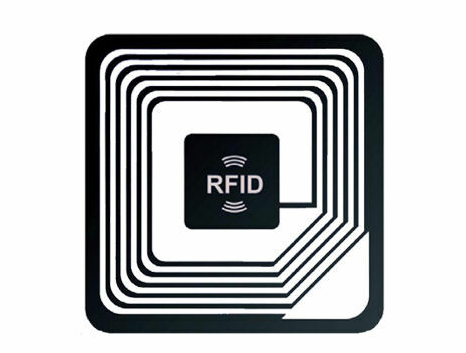
    What is RFID?

    RFID stands for Radio-Frequency Identification. It’s a technology that uses radio waves to read and write data stored in tags or labels. Think of it as a wireless way to identify and track items.

    What is HF RFID?

    HF RFID (High Frequency RFID) is a specific type of RFID that operates at 13.56 MHz. This frequency range is commonly used for applications like:

    • Contactless payments: Think of how you tap your credit card or phone to pay.
    • Access control: Used in key cards or building access systems.
    • Item tracking: Used in libraries for book tracking or in manufacturing for asset tracking.

    What are HF RFID barcodes?

    This is where things get interesting! You can actually combine the technologies of RFID and barcodes. An HF RFID barcode is essentially a label that has both a traditional barcode (1D or 2D) and an embedded HF RFID tag.

    Why would you use HF RFID barcodes?

    This combination offers the best of both worlds:

    • Visual identification: The barcode provides a human-readable way to identify the item.
    • Wireless tracking: The RFID tag allows for wireless tracking and data capture, even if the barcode is damaged or obscured.
    • Increased efficiency: RFID allows for reading multiple tags simultaneously, which can speed up processes like inventory management.

    Applications of HF RFID barcodes:

    • Libraries: Tracking books and other materials.
    • Healthcare: Managing medical records, tracking equipment.
    • Retail: Inventory management, loss prevention.
    • Manufacturing: Asset tracking, supply chain management.

    Key considerations for using HF RFID barcodes:

    • Cost: HF RFID tags and readers are generally more expensive than traditional barcode systems.
    • Complexity: Implementing an HF RFID system can be more complex than a barcode-only system.
    • Compatibility: Ensure that your RFID readers and tags are compatible with each other.

    HF RFID barcodes offer a powerful solution for applications that require both visual identification and wireless tracking. They can improve efficiency, accuracy, and security in a variety of industries.

  • Industrial Label Printers

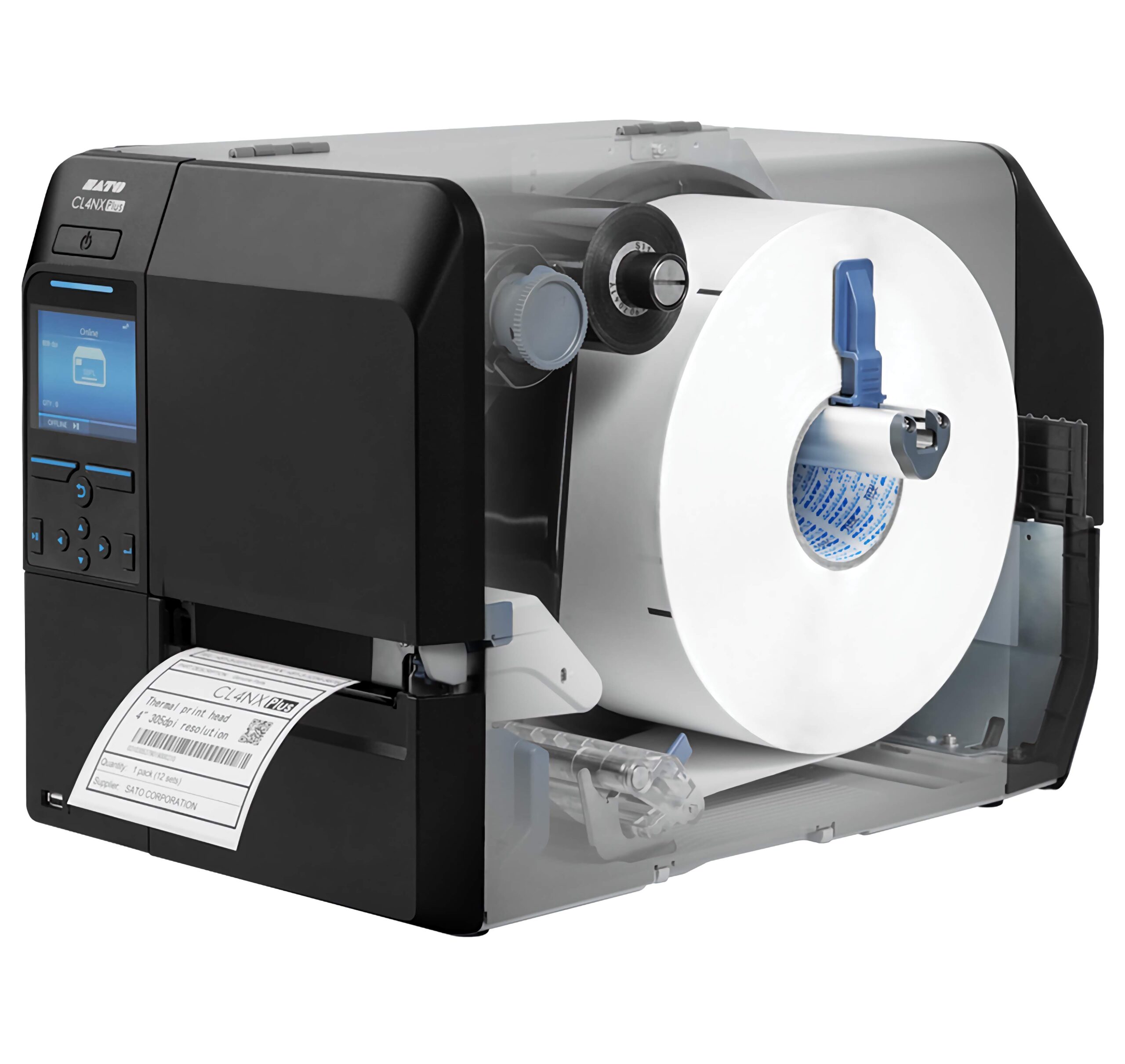
    Industrial label printers are workhorses designed for high-volume, demanding labeling tasks. They’re built to withstand tough environments and produce durable labels for a variety of applications. Here’s a breakdown of what makes them different:  

    Key Features of Industrial Label Printers:

    • Rugged Construction: Industrial printers are built with durable materials, such as metal frames and casings, to withstand harsh conditions like dust, moisture, and extreme temperatures.  
    • High-Volume Printing: They are designed for continuous, high-volume printing, capable of handling large print jobs without overheating or downtime.  
    • Fast Print Speeds: Industrial printers offer fast print speeds to maximize efficiency and productivity.  
    • Durable Prints: They produce durable labels that can withstand harsh environments, chemicals, and abrasion.  
    • Versatile Media Handling: Industrial printers can handle a wide range of label materials, including paper, synthetic materials, and specialty labels.  
    • Advanced Connectivity: They offer various connectivity options, such as Ethernet, USB, serial, and wireless, to integrate seamlessly into existing systems.  
    • User-Friendly Interfaces: Many industrial printers feature user-friendly interfaces with LCD screens and intuitive menus for easy operation.  

    Types of Industrial Label Printers:

    • Thermal Transfer Printers: These are the most common type of industrial label printer, using a ribbon to transfer ink onto the label material. They produce durable, long-lasting prints that can withstand harsh environments.  
    • Direct Thermal Printers: These printers use heat-sensitive labels that darken when heated. They are simpler and more cost-effective than thermal transfer printers but produce labels that may fade over time.  

    Factors to Consider When Choosing an Industrial Label Printer:

    • Print Volume: Determine the number of labels you will be printing daily or weekly to choose a printer with the appropriate duty cycle.  
    • Print Speed: Consider the required print speed to meet your production needs.
    • Label Size and Type: Make sure the printer can accommodate the size and type of labels you need.
    • Durability Requirements: Assess the environmental conditions where the labels will be used and choose a printer that produces durable prints.  
    • Connectivity: Select a printer with connectivity options that are compatible with your existing systems.
    • Software Compatibility: Ensure the printer is compatible with your labeling software and operating system.

    Common Applications for Industrial Label Printers:

    • 1. Manufacturing:
    • Product Identification: Labeling parts, components, and finished goods with barcodes, serial numbers, and other identifying information.  
    • Work-in-Progress Tracking: Tracking items through the production process with labels that indicate their status, location, and next steps.  
    • Compliance Labeling: Creating labels that meet industry regulations and standards, such as those for hazardous materials or safety warnings 

    2. Warehousing:

    • Inventory Management: Labeling shelves, racks, and storage locations with barcodes to track inventory levels and movements.
    • Shipping and Receiving: Labeling incoming and outgoing shipments with barcodes and other information for efficient processing.  
    • Pallet and Container Labeling: Creating labels for pallets and containers to track their contents and destination.

    3. Logistics and Supply Chain:

    • Package Tracking: Labeling packages and parcels with tracking numbers and other information for real-time tracking throughout the supply chain.  
    • Transportation: Labeling cargo, containers, and vehicles with barcodes and other identifying information.  
    • Distribution Centers: Labeling products and shipments for efficient sorting and routing.

    . Healthcare:

    • Specimen Labeling: Labeling medical specimens with barcodes and patient information for accurate identification and tracking.  
    • Medication Labeling: Labeling medications with barcodes and dosage information for safe and accurate administration.  
    • Equipment Tracking: Labeling medical equipment with barcodes for maintenance tracking and inventory management.  

    5. Other Industries:

    • Retail: Labeling shelves, products, and promotional materials with barcodes and pricing information.  
    • Transportation: Labeling baggage, tickets, and boarding passes with barcodes for efficient processing.  
    • Government: Labeling assets, documents, and other items for tracking and management.  

    Benefits of Using Industrial Label Printers:

    • Increased Productivity: Fast print speeds and high-volume capabilities improve efficiency.  
    • Durability: Labels can withstand harsh environments and remain legible for extended periods.  
    • Accuracy: High-quality printing ensures clear barcodes and text for accurate scanning and identification.
    • Versatility: Can print on a wide range of label materials and sizes.  
    • Reliability: Built for continuous operation in demanding environments.

    Industrial label printers are built for high-volume printing, but the exact number of labels they can print in a given time depends on several factors:  

    • Printer Model and Duty Cycle: Each industrial printer has a “duty cycle,” which is the recommended number of labels it can print within a specific timeframe (usually per month). This is a crucial factor to consider. Industrial printers are designed for much higher duty cycles than desktop printers. Some can handle thousands of labels per day, while others are built for continuous 24/7 operation.  
    • Label Size and Layout: Smaller labels mean you can generally print more per roll and potentially per print job. The layout of labels on the roll (e.g., single row, multiple rows) also affects how the printer handles the job.
    • Label Roll Length: Longer label rolls allow for more labels to be printed before you need to change the roll.  
    • Print Speed: Industrial printers are known for their fast print speeds, which is essential for high-volume printing. This speed is usually measured in inches per second (IPS).  
    • Printer’s Memory and Processing Power: Complex labels with graphics or variable data require more processing power. Industrial printers have robust memory and processors to handle large print jobs without issues.  
    • Printing Software: The software you use to design and manage labels can also impact how many labels you can print in one go. Some software may have limitations on batch printing.
    • Thermal vs. Direct Thermal: Most industrial printers use thermal transfer technology, which is ideal for high-volume and durable labeling. Direct thermal printers are less common in industrial settings due to their labels’ limited lifespan.

    So, how many labels can an industrial label printer realistically print?

    • Thousands per day: Many industrial label printers can handle thousands of labels per day, especially the higher-end models.  
    • Continuous printing: Some models are designed for 24/7 operation, meaning they can theoretically print labels constantly, with only downtime for maintenance and label/ribbon changes.  

    To determine the printing capacity of a specific industrial label printer, check these things:

    1. Printer specifications: Look for the duty cycle information.
    2. Label roll size: Check the label roll specifications to see how many labels are on the roll.
    3. Printing software: See if there are any limitations on batch printing.

    Important Note: It’s crucial to stay within the printer’s recommended duty cycle to avoid premature wear and tear.

    Industrial label printers are powerful tools for businesses with high-volume labeling needs. By considering the factors above, you can choose the right printer to meet your specific requirements.   Sources and related content

  • Desktop label printers

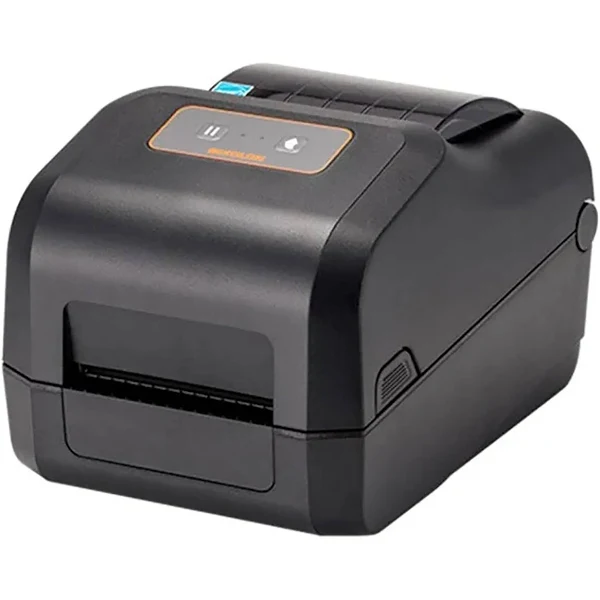
    Desktop label printers are compact and versatile printing devices designed for use on a desk or countertop. They are ideal for a variety of labeling tasks in offices, small businesses, and home environments. Here’s a breakdown of what you should know about them:

    Types of Desktop Label Printers:

    • Thermal Label Printers: These are the most common type and use heat to create images on special label material. There are two main types:
      • Direct thermal printers: These use heat-sensitive labels that darken when heated. They are simple and cost-effective but produce labels that may fade over time.
      • Thermal transfer printers: These use a ribbon to transfer ink onto the label, creating more durable and long-lasting prints.

    Features of Desktop Label Printers:

    • Compact size: Designed to fit comfortably on a desk or countertop.
    • Easy to use: Simple to set up and operate, with user-friendly software.
    • Versatile: Can print a variety of label types and sizes.
    • Affordable: Generally more affordable than industrial-grade label printers.
    • Connectivity: Offer various connectivity options, such as USB, Bluetooth, and Wi-Fi.

    Factors to Consider When Choosing a Desktop Label Printer:

    • Printing technology: Decide whether you need direct thermal, thermal transfer based on your needs for durability, print quality, and cost.
    • Label size and type: Make sure the printer can accommodate the size and type of labels you need.
    • Print volume: Consider how many labels you will be printing to ensure the printer can handle the workload.
    • Connectivity: Choose a printer with connectivity options that suit your setup.
    • Software compatibility: Ensure the printer is compatible with your operating system and any labeling software you plan to use.

    Common Applications for Desktop Label Printers:

    • Shipping labels: For packages and envelopes.
    • Product labels: For identifying products, including barcodes, pricing, and branding.
    • File folder labels: For organizing documents and files.
    • Address labels: For mailing and correspondence.
    • Barcode labels: For inventory management and tracking.

    Benefits of Using Desktop Label Printers:

    • Convenience: Print labels on demand, as needed.
    • Cost-effective: Eliminate the need to order pre-printed labels.
    • Flexibility: Customize labels with variable data, such as barcodes, serial numbers, and dates.
    • Improved efficiency: Streamline labeling processes and reduce errors.

    The number of labels a desktop printer can print depends on a few factors, and there’s no single magic number. Here’s a breakdown:  

    • Printer Model and Duty Cycle: Each printer has a recommended “duty cycle,” which is the number of labels it’s designed to print within a specific timeframe (usually per month). This information is available in the printer’s specifications or user manual. A higher duty cycle means the printer is more robust and can handle more volume. Don’t exceed the recommended duty cycle, as it can lead to premature wear and tear.  
    • Label Size and Layout: Smaller labels generally mean you can print more per roll (and potentially per print job) than larger labels. Also, how the labels are arranged on the roll or sheet matters. Printing multiple labels across the roll (sometimes called “2-up” or “3-up” printing) can impact how the printer handles the job. The printer treats the label media as one continuous piece, regardless of how many labels are laid out across.
    • Label Roll Length: Label rolls come in different lengths, so a longer roll will obviously allow for more labels to be printed before you need to change the roll.
    • Printer’s Memory and Processing Power: Some complex labels with lots of graphics or variable data might require more of the printer’s resources. Printers with more memory and faster processors can handle larger print jobs without issues.  
    • Printing Software: The software you use to design and manage your labels can also impact how many labels you can print in one go. Some software may have limitations on batch printing or variable data printing.

    So, how many labels can you actually print?

    • For everyday use: Most desktop label printers can comfortably handle hundreds of labels in a single print job, as long as you’re within the printer’s duty cycle and the label rolls are appropriately sized.
    • For large volumes: If you consistently need to print thousands of labels at a time, you might want to consider a more robust industrial-grade label printer, which are designed for high-volume printing.
  • Direct Thermal Barcode Printers

    Direct thermal printers are a type of printer that produces images by applying heat to a specially coated, heat-sensitive material. This process causes the material to darken, creating the desired image.  

    How they work:

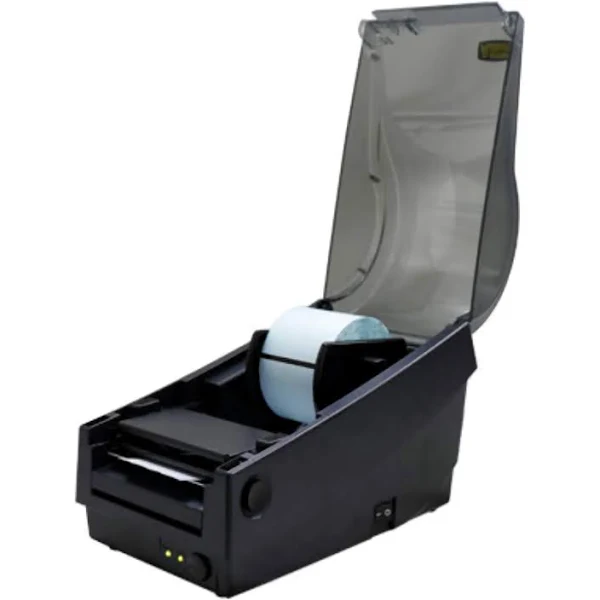
    • Heat-sensitive media: Direct thermal printers use a special type of paper or label material that is coated with a chemical that turns black when exposed to heat.  
    • Direct heat application: The printhead in the printer applies heat directly to the coated material, creating the image without the need for ink, toner, or ribbons.  

    Advantages of direct thermal printers:

    • Simplicity: Direct thermal printers are simple to operate and maintain, as they don’t require ink, toner, or ribbons.  
    • Cost-effective: The initial cost of direct thermal printers is typically lower than other types of printers.  
    • Compact and portable: Direct thermal printers are often compact and portable, making them ideal for mobile applications.  

    Limitations of direct thermal printers:

    • Limited media options: They can only use heat-sensitive materials, which may limit your options for label types and colors.
    • Sensitivity to heat and light: The printed images can fade or darken if exposed to excessive heat, sunlight, or other harsh environmental conditions.
    • Shorter lifespan: Direct thermal prints are generally not as durable as thermal transfer prints and may fade over time.

    Common applications for direct thermal printers:

    • Receipt printing: Direct thermal printers are widely used for printing receipts in retail, restaurants, and other businesses.  
    • Shipping labels: They are often used for printing shipping labels for packages and envelopes.  
    • Tickets and tags: Direct thermal printers can be used to print tickets for events, parking passes, and other types of tags.  
    • Short-term labeling: They are suitable for applications where labels don’t need to last for an extended period, such as labels for perishable goods or temporary identification.  

    Key considerations when choosing a direct thermal printer:

    • Print quality: Consider the resolution and print speed of the printer to ensure it meets your needs.
    • Label size and type: Make sure the printer can accommodate the size and type of labels you need.
    • Connectivity: Choose a printer with connectivity options that suit your setup (USB, Bluetooth, wireless).
    • Durability: If your labels will be exposed to any harsh conditions, direct thermal may not be the best choice.

    Direct thermal printers are a good option for businesses that need a simple, cost-effective, and portable printing solution for short-term labeling applications. However, if you need durable, long-lasting labels, thermal transfer printers are a better choice.

  • Thermal Transfer Barcode Printers

    Thermal transfer barcode printers are a type of printer that uses heat to transfer ink from a ribbon onto a label or tag. This creates a durable, long-lasting print that is resistant to smudging and fading. Thermal transfer printers are ideal for a variety of applications, including:

    1. Product Labeling:

    • Manufacturing: Durable labels for product identification, batch numbers, serial numbers, and compliance information.  
    • Retail: Price tags, product information, and promotional labels.  Food and Beverage: Labels for ingredients, nutritional information, and branding.  

    2. Asset Tracking:

    • Logistics: Labels for tracking inventory, pallets, and containers throughout the supply chain.  
    • Healthcare: Labels for medical equipment, patient files, and specimens.  
    • Manufacturing: Labels for tools, equipment, and work-in-progress items.

    3. Shipping and Receiving:

    • Courier Services: Labels for packages, envelopes, and shipping documents.
    • Warehousing: Labels for identifying storage locations and organizing inventory.

    4. Healthcare:

    • Patient Identification: Wristbands and labels for patient tracking and medication administration.  
    • Specimen Labeling: Labels for blood samples, lab tests, and other medical specimens.  
    • Pharmacy: Labels for prescriptions and medication bottles.  

    5. Manufacturing:

    • Parts and Components: Labels for identifying parts, components, and sub-assemblies.
    • Work-in-Progress: Labels for tracking items through the production process.  
    • Quality Control: Labels for marking products that have passed inspection.

    6. Other Industries:

    • Transportation: Labels for baggage tags, tickets, and boarding passes.
    • Government: Labels for asset tracking, document management, and identification cards.  
    • Automotive: Labels for parts identification, vehicle tracking, and warranty information.  

    How they work:

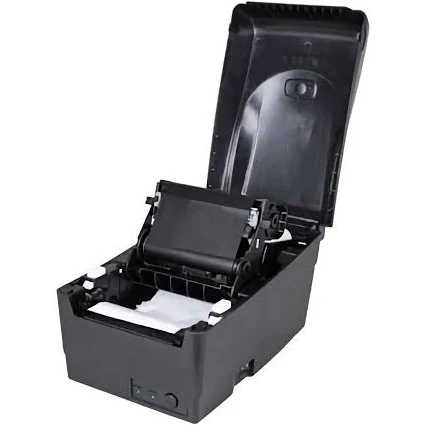
    • Heat Transfer: Thermal transfer printers use a heated printhead to melt ink from a ribbon onto a label material. This process creates a high-quality image that’s resistant to smudging, fading, and abrasion.  
    • Ribbon Required: Unlike direct thermal printers, thermal transfer printers require a ribbon, which is an additional supply you’ll need to purchase.  

    Advantages of thermal transfer printers:

    • Long-lasting prints: Thermal transfer printers use a ribbon to transfer ink onto the label, creating a print that is highly resistant to smudging, fading, scratching, and even some chemicals. This makes them ideal for labels that need to withstand harsh environments or last for an extended period. 
    • Variety of materials: You can use a wider range of label materials with thermal transfer printers, including paper, synthetic materials (like plastic), and even fabric. This versatility allows you to choose the best material for your specific needs and environment..  
    • Sharp, clear images: Thermal transfer printers produce crisp, high-resolution barcodes and text, ensuring readability and scannability. This is crucial for accurate tracking and identification
    • Long-lasting printhead: Printheads in thermal transfer printers tend to have a longer lifespan compared to direct thermal printers.  
    • Consistent print quality: The printing process ensures consistent image density and color, resulting in reliable and professional-looking labels.

    Things to consider when choosing a thermal transfer printer:

    • Print resolution: Measured in dots per inch (DPI), higher DPI means sharper images. Consider your needs for text and barcode clarity.  
    • Print speed: Measured in inches per second (IPS), this determines how quickly labels are printed.  
    • Label size and type: Make sure the printer can accommodate the size and type of labels you need.
    • Connectivity: Choose a printer with connectivity options that suit your setup (USB, Ethernet, wireless).
    • Duty cycle: Consider the volume of labels you’ll be printing to ensure the printer can handle the workload.
    • Cost: Thermal transfer printers generally have a higher upfront cost than direct thermal printers, but the long-term cost can be lower due to the durability of the prints and longer printhead life.  

    What Makes the Labels Last?

    • Ink Type: Thermal transfer printers use ribbons with different ink types (wax, resin, or a combination) that are designed for durability.  
    • Specialized Inks: Thermal transfer ribbons use inks specifically designed for durability. These inks can be wax-based, resin-based, or a combination of both. Resin-based inks, in particular, are known for their resistance to chemicals, extreme temperatures, and abrasion.  
    • Heat and Ribbon: Thermal transfer printing uses a heated printhead to melt ink from a ribbon onto the label material. This process creates a strong bond between the ink and the label, making it more resistant to smudging, fading, and scratches compared to other printing methods.
    • Here’s a simple analogy: Imagine you’re writing on a piece of paper. If you use a regular pen, the ink might smudge or fade over time. But if you use a permanent marker on a durable plastic sheet, the writing will last much longer. Thermal transfer printing is like using that permanent marker on a durable material.